
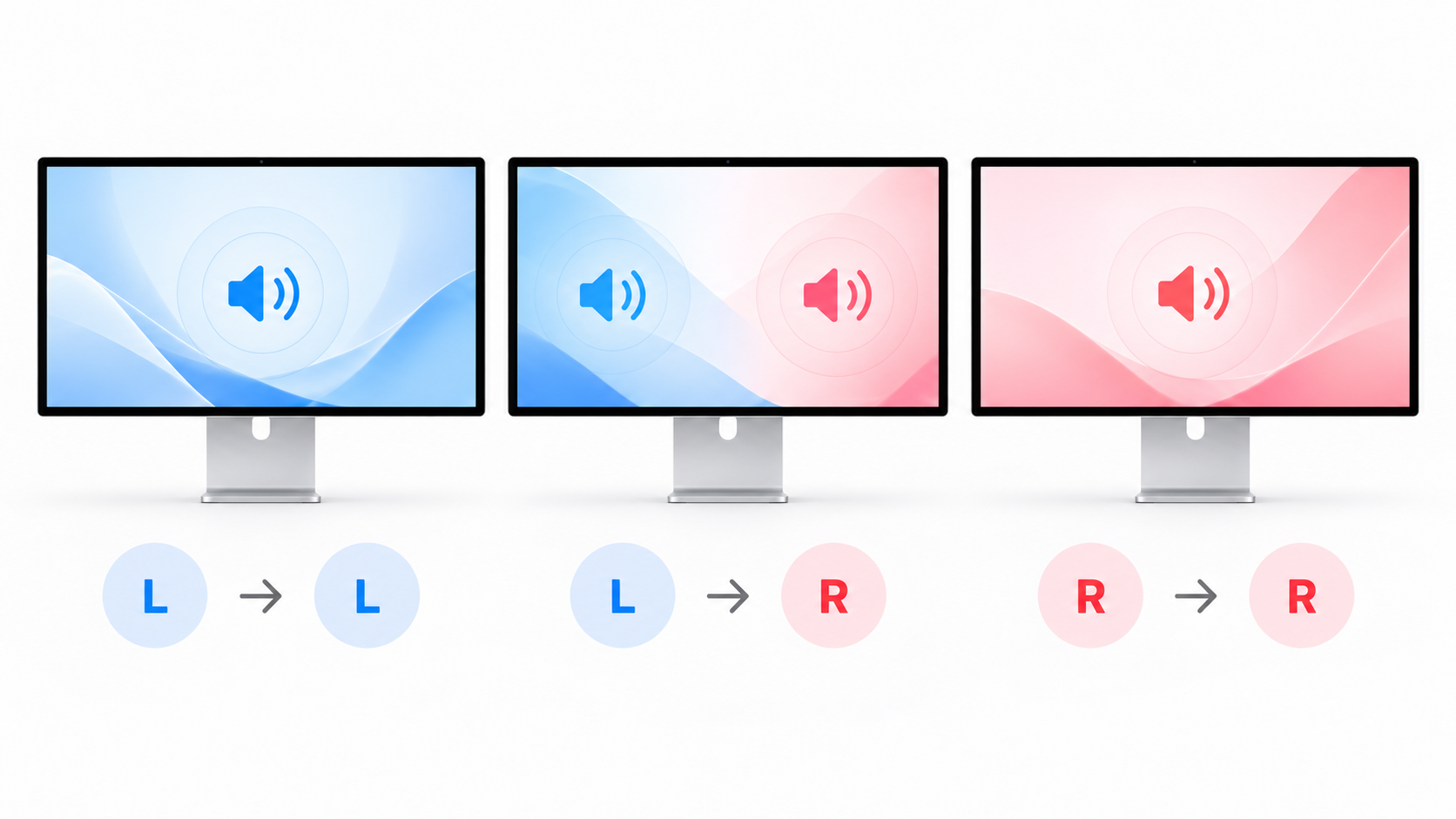
Route to multiple devices
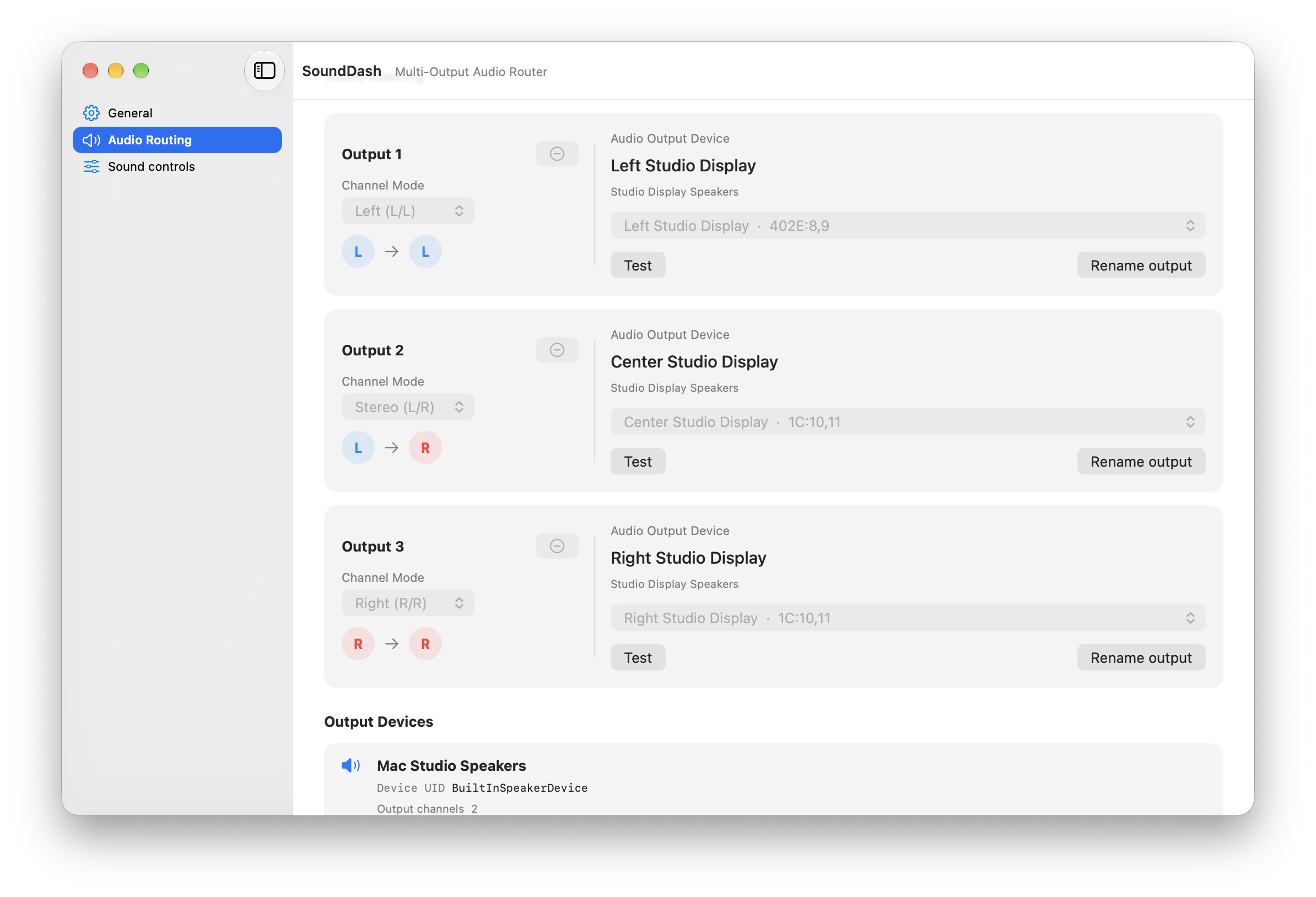
Add or remove outputs and send audio to several supported devices at once. Identify each device with a short test tone or a custom alias.
SoundDash for macOS
Route your Mac’s audio to multiple devices at once, including up to five compatible AirPlay speakers, without changing your selected audio output. Choose stereo, left-only, or right-only for each output. Use speakers, headphones, displays, or other supported Core Audio devices, with independent sound controls for each. Add or remove outputs to build the setup you need.
Requires macOS 14.6 or later. Direct download; updates are available in the app.
Route audio to speakers and displays, including AirPlay speakers, then tune each output or switch between saved setups.
Add or remove outputs and send audio to several supported devices at once. Identify each device with a short test tone or a custom alias.
Connect up to five compatible AirPlay speakers without changing your selected audio output. Check connection status, test speakers directly, and save pairing codes for future connections.
Keep stereo, send the left channel to both sides, or send the right channel to both sides for each output.
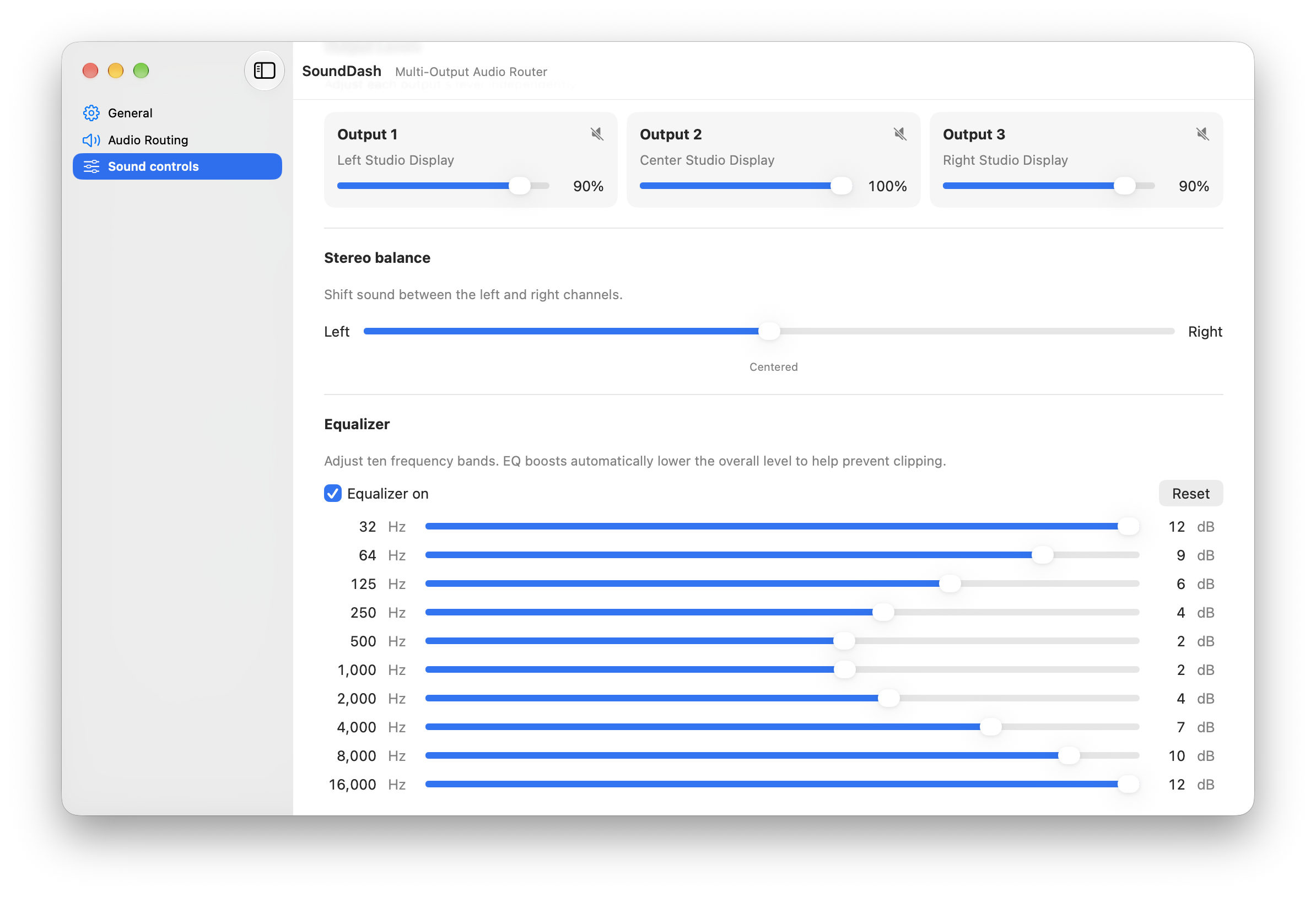
Control shared volume and mute from SoundDash or your Mac’s volume keys. Set a separate level and mute for each output, adjust stereo balance, and use the ten-band equalizer.
Save up to 10 named profiles with output assignments and sound settings. Switch between them from the dashboard or menu bar.
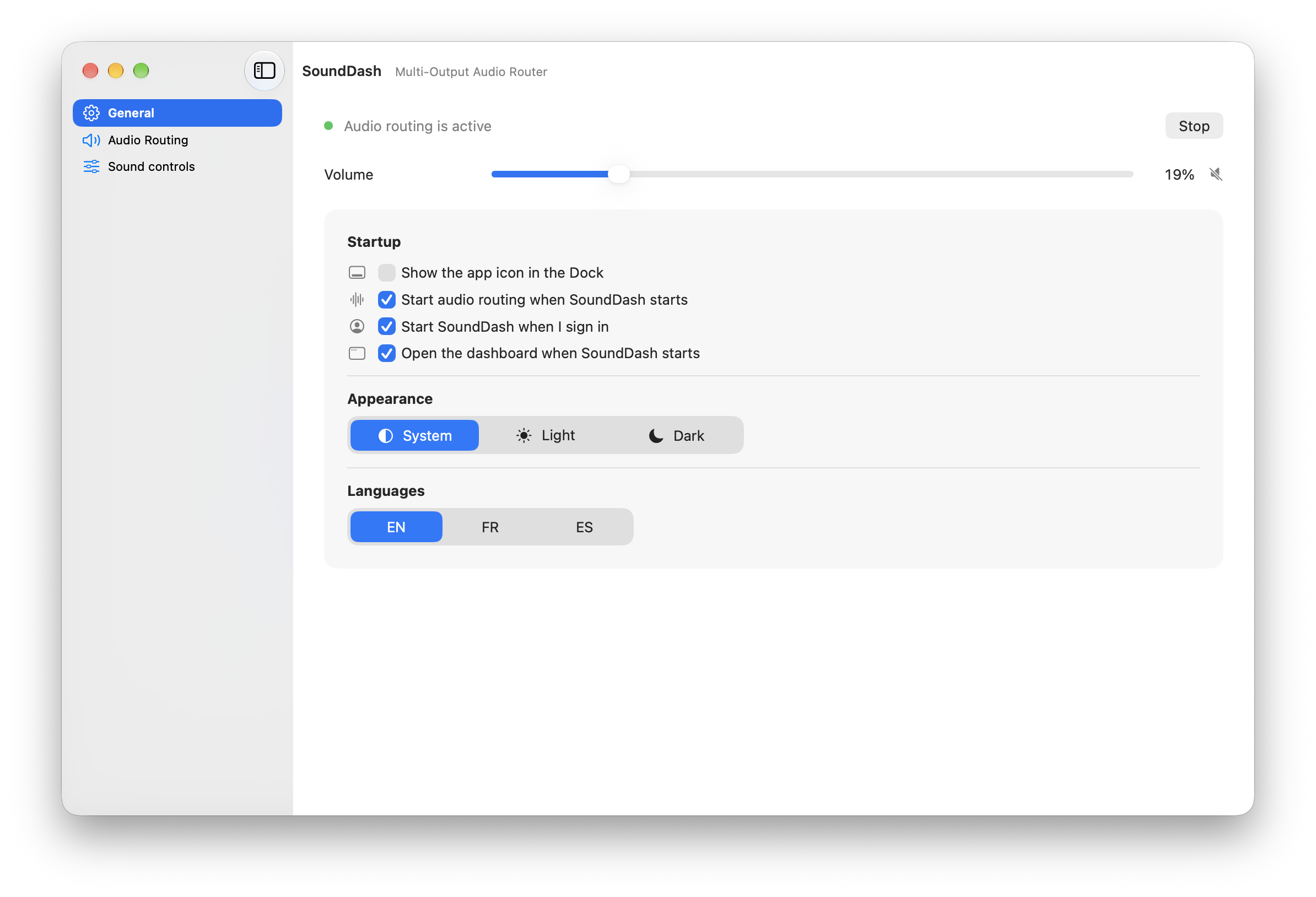
Launch at login, start routing when SoundDash launches, or open the dashboard at launch. Choose a Dock icon, light or dark appearance, and app language.
Set up the app, choose your audio outputs, and fine-tune the sound from one dashboard.
SoundDash captures system audio in memory to route it live. It does not record or save audio. Output assignments and sound-control preferences stay on your Mac. macOS system-audio capture permission is required for routing.
Set up your outputs and learn about every control in the user manual.
SoundDash User Manual Setup, audio routing, sound controls, updates, and troubleshooting →